

STEP 4 — EDIT
Subtractive, Not Corrective

VijayWrites #382
Welcome to VijayWrites, where you’ll find inspiration, tips, and ideas to help you write better, master the art of copywriting, and make a career out of your words.
Time: Usually faster than you expect — 15 minutes
Job of this step: Remove friction at the sentence level.
You’ve set direction.
You’ve dumped everything. You’ve ordered it logically.
Now and only now, you edit the sentences.
Most writers start here.
That’s why editing feels endless.
They’re trying to fix unclear thinking with clearer language. It doesn’t work.
But when you edit after ordering, it’s fast. Because you’re not correcting—you’re clarifying.
What this resolves:
Clarity: Every sentence does one job
Voice: The writing feels consistent in rhythm and tone
Unnecessary words: Anything slowing the reader down gets removed
What it prevents:
Trying to fix logic with language (the most common writing trap)
Endless rewrites where you keep changing sentences without improving the piece
Polishing sections you’ll later delete
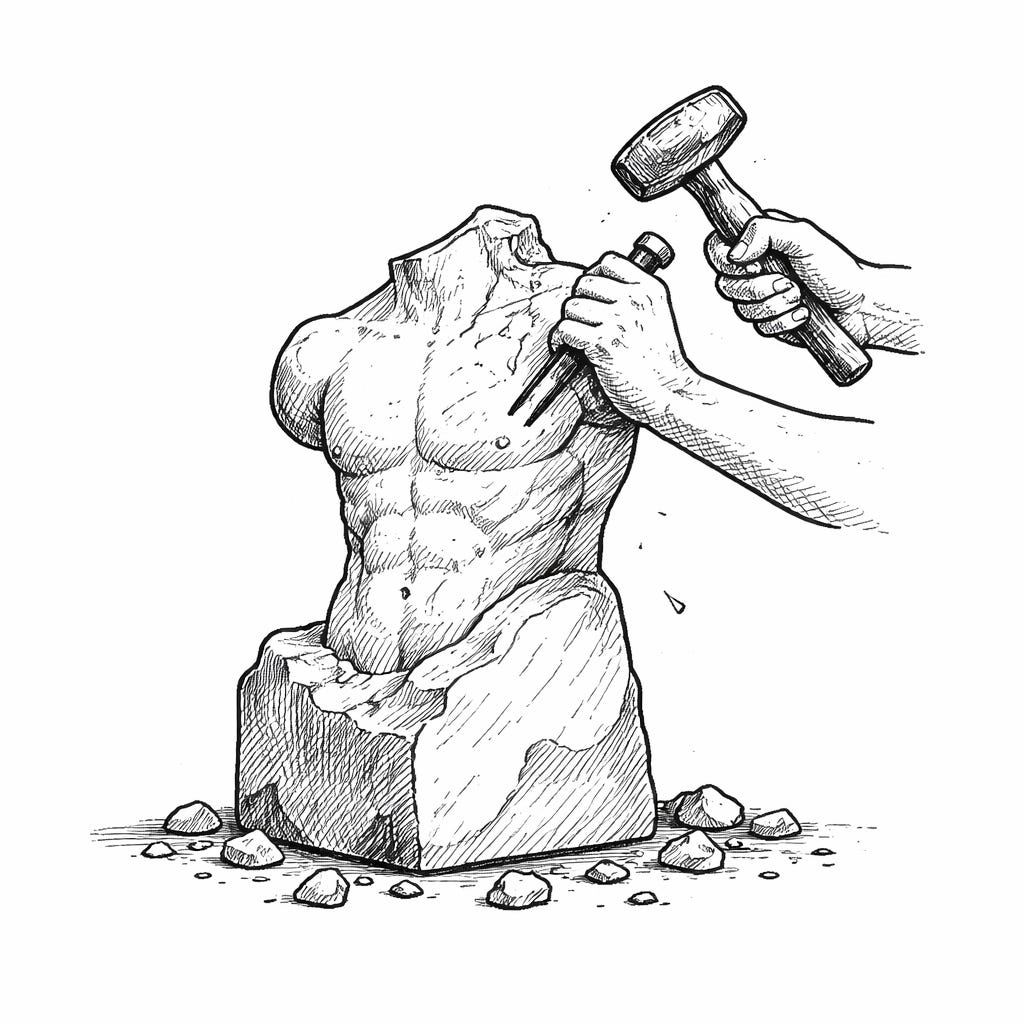
The principle: Editing is subtractive, not corrective.
You’re not rewriting to make it sound better. You’re removing what’s in the way.
Example of what this looks like:
Cut weak openings (”In today’s world...” / “It’s important to note...”)
Remove hedging (”I think” / “sort of” / “arguably”)
Delete repetition that doesn’t serve emphasis
Tighten sentences: if you can say it in fewer words without losing meaning, do
The shift: When structure is solid, editing becomes obvious.
You’re not wondering “Is this working?”
You’re just removing friction between the reader and your point.
Why writers struggle here: They try to edit their way into a better structure. If a section still feels off after tightening the sentences, the problem is in Step 3. Go back and reorder. Don’t keep polishing broken logic.
What good editing feels like: Calm. Decisive. You’re not wrestling with the piece, you’re refining it.
Next: Step 5 — REVIEW & PUBLISH (the final integrity check)